
AI video tools stopped being a novelty a while back. What used to produce four seconds of melting faces now produces multi-minute, cinematic clips with synced audio and real camera control. But most “best AI video generator” roundups bury the four tools people are actually comparing, Runway, Kling AI, Google Veo, and Pika, inside sprawling 15-tool lists that don’t tell you which one to actually pick.
We ran all four through the same lens: output quality, editing control, pricing per usable clip, and practical constraints like clip length and commercial licensing. Here’s how they rate.
How We Rated Them
Most comparisons rank by one thing: how good the demo clip looks. That’s a fine starting point, but it skips the question that actually decides whether a tool earns a permanent spot in your workflow, what happens after the clip renders. A gorgeous four-second demo means nothing if the output can’t be edited, doesn’t include commercial rights, or costs more per usable clip than the project can justify.
Our scores weigh four factors evenly: raw output quality (realism, motion, detail), editing and creative control (can you shape the result or are you stuck with what the model gives you), price per usable clip (not price per generation), and practical fit (clip length, licensing, ecosystem). A tool that scores a 10 on quality but a 2 on usability doesn’t deserve a 9/10 overall, and that gap is exactly what separates the top of this list from the bottom.
Quick-Reference Ratings
| Tool | Rating | Best For | Weak Point |
|---|---|---|---|
| Runway | 9/10 | Editing control, multi-model access | Price, ongoing litigation |
| Kling AI | 8.5/10 | Value, long clips, iteration speed | Thinner support ecosystem |
| Google Veo | 8.5/10 | Cinematic quality, native audio | Best suited to Google-ecosystem teams |
| Pika | 7/10 | Cheap, fast testing | Commercial rights, consistency |
Runway (Gen-4.5) (Rating: 9/10)
Best for: production teams and anyone who needs to edit, not just generate
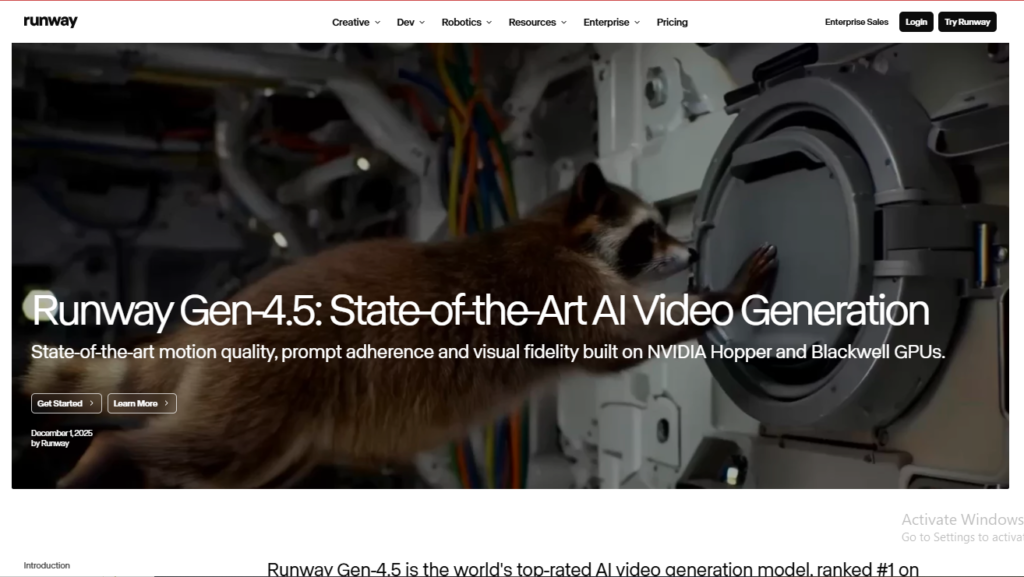
Runway has quietly repositioned itself from “one model” to “one platform.” Its current subscription doesn’t just give you Runway’s own Gen-4.5, it bundles access to Google Veo, ByteDance’s Seedance, and Kling under a single login. Instead of betting on one model and hoping it stays ahead, you route each shot to whichever model handles it best without juggling four separate subscriptions.
Where Runway really separates itself is post-generation control. Keyframing, video-to-video transformation, and shot-by-shot editing are still its strongest suit, if your workflow starts with existing footage and needs AI to reshape or extend it, nothing on this list handles that as gracefully.
The catches: Runway isn’t cheap, running several times the cost of budget alternatives for comparable output. It’s also dealing with unresolved copyright litigation in U.S. federal court over its training data sourcing. And despite the version bump, independent benchmark leaderboards have shown Runway sliding as Chinese competitors close the quality gap fast.
Verdict: The safest all-around pick if budget isn’t your main constraint, especially for teams that need to finish a shot, not just generate one. If you’re also building out avatar-led or training content alongside cinematic work, pairing Runway with an enterprise-avatar tool like Synthesia covers both ends of the workflow. (See our full Synthesia review for a deeper breakdown of avatar-driven video use cases.)
Kling AI (3.0) (Rating: 8.5/10)

Best for: value, iteration speed, and long-form clips
Kling has become the tool people quietly switch to once the novelty of a flashy demo wears off and the invoice arrives. It consistently ranks as the strongest option on cost-per-usable-clip, which matters enormously if you’re generating dozens of variations before landing on the one that works.
The standout spec: Kling can produce clips running up to three minutes in a single generation. Most competitors cap out around 10-15 seconds per clip, meaning Kling users spend far less time stitching short segments into something coherent. Its motion realism has also improved significantly with version 3.0, closing a gap that used to be Runway’s and Veo’s clearest advantage.
The catches: Kling won’t win a head-to-head on raw cinematic polish against Veo, and its support documentation and brand ecosystem are noticeably thinner than the Western platforms, which can slow onboarding for teams new to the tool.
Verdict: If you’re optimizing for volume, iteration, and getting the most usable footage per dollar, Kling is hard to beat right now.
Google Veo (3.1) (Rating: 8.5/10)
Best for: cinematic quality and teams already inside Google’s ecosystem
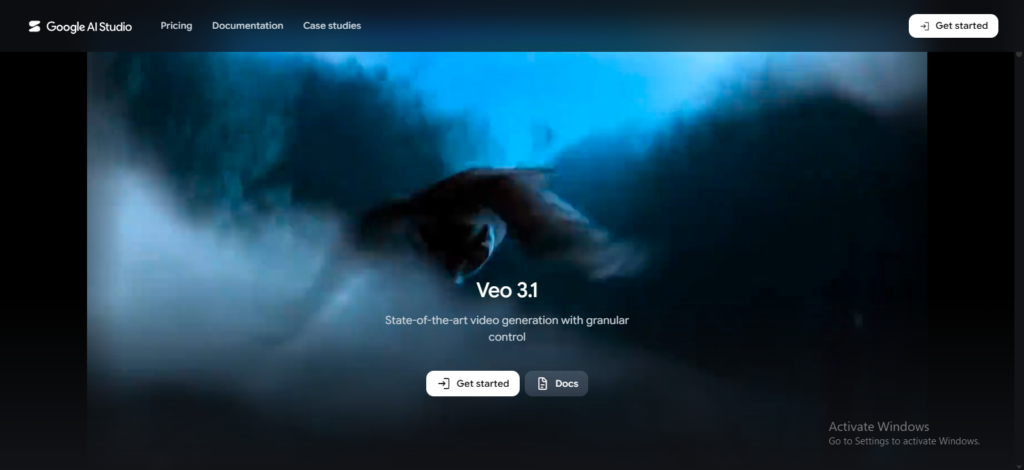
Veo is the model to reach for when the finished clip needs to look expensive. It leads the category on visual fidelity, generating up to native 4K resolution with camera movement and lighting behavior that reads as genuinely filmic. It’s also one of the only major models here to generate native audio alongside video, no separate sound-design pass required, which meaningfully speeds up production for teams without dedicated audio tools.
Veo’s other advantage is less about the model and more about where it lives: it plugs directly into Gemini, Vertex AI, and Google’s broader Workspace and cloud tooling. If your organization already runs on Google infrastructure, Veo removes an entire layer of integration work that competitors can’t match.
The catches: Veo is a Google product first and a creative tool second, it’s less suited to solo creators who don’t already have a foothold in Google’s ecosystem, and the editing/control tools around it aren’t as deep as Runway’s. Clip length also runs shorter than Kling’s.
Verdict: The best-looking output in the group, and the obvious choice if native audio and Google integration matter more than fine-grained editing control.
Pika (Rating: 7/10)
Best for: fast, cheap, low-stakes experimentation
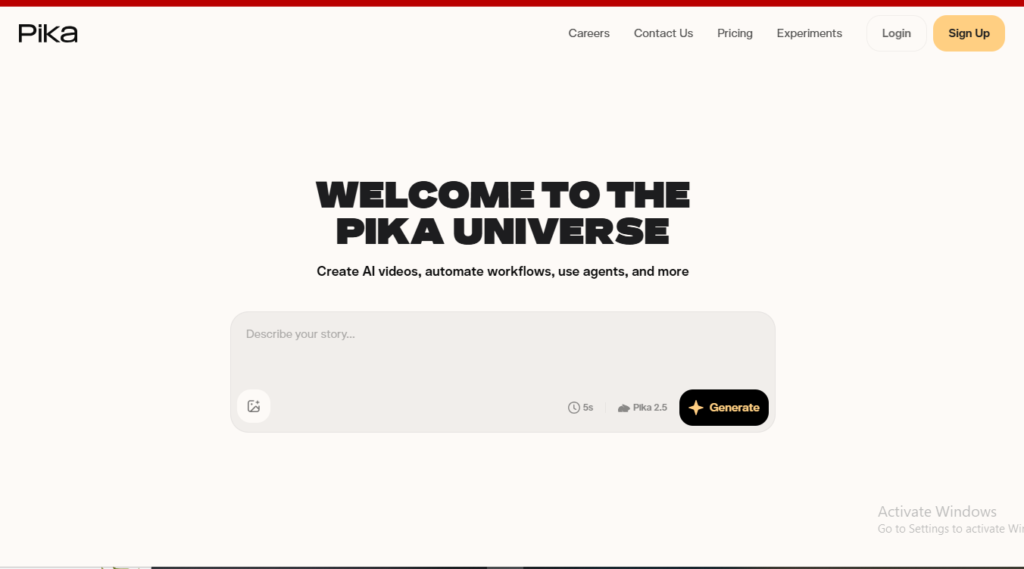
Pika isn’t trying to be the production tool of record, and that’s fine, it knows its lane. It’s the lowest-friction option for testing an idea before committing real budget to a premium model, which makes it genuinely useful earlier in a creative process even if it’s not where you’ll finish the job. For social content, quick effects, and short-form experimentation, it’s fast and accessible.
The catches: this is where Pika’s rating takes a real hit. Cheaper plans don’t include commercial usage rights, which is a serious problem if you’re generating content for a client or monetized channel and don’t realize it until after the fact. Output quality is also less consistent than Runway or Veo, complex scenes can introduce visible artifacts that a mood-board clip will forgive but a finished ad won’t.
Verdict: A smart tool to keep in the toolkit for rapid, low-cost testing, just don’t rely on it as your only tool if commercial rights or consistency matter. If you’re building a repeatable social content pipeline instead of one-off tests, it’s worth also comparing Pika against dedicated repurposing tools; our AI content repurposing guide covers that workflow in more depth.
The Category-Wide Trend Worth Knowing
If you’ve seen older “best AI video generator” roundups still ranking OpenAI’s Sora as a top pick, that information is stale: Sora’s web and app experiences have been discontinued, with the API being wound down as well. Treat any comparison that still leads with Sora as outdated, it’s now a historical benchmark, not a buying option.
Frequently Asked Questions
Is Runway worth the higher price over Pika or Kling? If your work involves reshaping existing footage, keyframe control, or client-facing production, yes. If you’re mostly generating short social clips or testing ideas, the price gap is harder to defend.
Which of these tools includes audio generation? Google Veo generates native audio alongside video. Runway and Pika both require a separate audio pass, so factor that extra step into your production timeline.
Can I use AI-generated video commercially? Generally yes across Runway, Kling, and Veo, but always check your specific plan, some entry-level tiers restrict commercial use. Pika is the one to watch most closely here, since its cheaper plans don’t automatically include commercial rights.
Should I pick one tool or use several? Several, if budget allows. A common workflow is to prototype cheaply on Pika, then move the winning concept into Runway, Veo, or Kling for the production-grade render. Treat the cheaper tools as a filter, not a finish line.
Is Sora still worth comparing against these four? Not as a current buying decision. OpenAI has discontinued Sora’s web and app experiences and is winding down API access.
Final Take
There isn’t one “best AI video generator” in 2026, there’s a best one for your workflow. If you need real editing control for client-facing work, Runway earns its higher price tag. If you’re optimizing for volume and cost-efficiency, Kling is the smarter bet. If polish and native audio matter more than granular control, Veo delivers the most cinematic result. And if you just need to test whether an idea is worth pursuing before spending real credits, Pika still has a place, just keep its licensing limits in mind before you ship anything commercially.
The smartest creators in 2026 aren’t loyal to one model. They’re matching the tool to the job, testing cheap, producing expensive, and letting the platform decide the rest.
Looking for more AI tool breakdowns? Check out our AI tools review hub for the latest comparisons, or browse our best AI tools for content creators roundup.