

Disclosure: AI Tested Guide may earn a commission from some links on this page, at no extra cost to you. Clipping Factory is made by Clipping Joint, which is owned by AI Tested Guide’s founder.
The quick answer
The best GTA 6 clip ideas share three things: something happens in the first second, the moment makes sense to people who don’t play, and there’s a payoff worth watching twice. Below are 25 GTA 6 clip ideas in five categories, each with a hook you can use, plus how AI helps you edit each type quickly.
GTA 6 launches on November 19, 2026. These ideas are designed to work from launch day without spoiling the story.
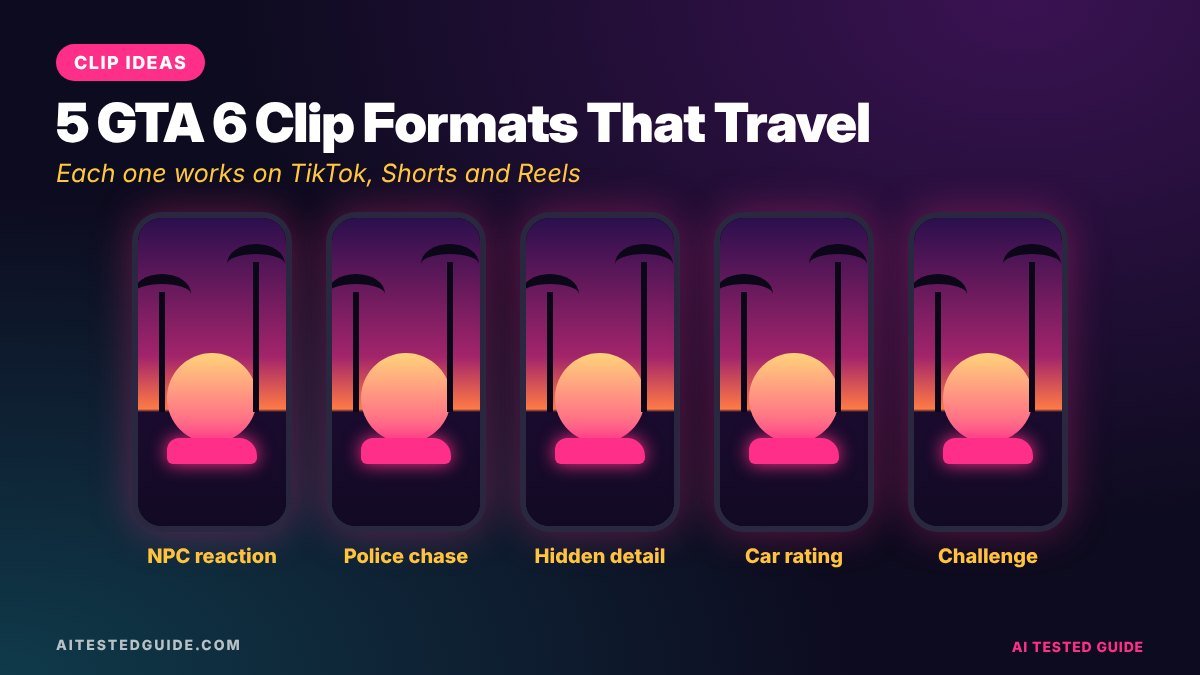
25 GTA 6 clip ideas, by category
Chaos and comedy
- NPC reactions to the strangest thing you can do. Hook: “I didn’t expect THIS reaction.”
- The worst getaway attempt. Hook: “The worst getaway in GTA history.”
- Police chase fails. Hook: “This chase did NOT go to plan.”
- Ragdoll physics compilation. Hook: “GTA 6 physics are actually insane.”
- “I tried to obey every traffic law.” Hook: “Day 1 of being a law-abiding citizen.”
Details and secrets
- Hidden details most players missed. Hook: “Nobody talks about this GTA 6 detail.”
- Then vs now: Vice City old and new. Hook: “Vice City, 20+ years later.”
- Easter eggs and references. Hook: “Rockstar hid THIS in GTA 6?”
- Weather and water realism. Hook: “Look at the water in GTA 6.”
- Small things NPCs do when you’re not looking. Hook: “Watch the people in the background.”
Challenges and series
- Day 1 to Day 30 of building wealth. Hook: “Day 1 of going from $0 to millions.”
- Only one car for a whole day. Hook: “I can only drive this car.”
- Escaping 5 stars with no weapons. Hook: “Can you escape 5 stars unarmed?”
- Rating every vehicle you find. Hook: “Rating GTA 6 cars out of 10.”
- “Can you survive…” experiments. Hook: “Can you survive a jump from the tallest building?”
Tips and guides
- Fastest early money methods. Hook: “Do this in your first hour.”
- Best hidden cars. Hook: “This car is hidden in plain sight.”
- Beginner mistakes to avoid. Hook: “Don’t make this mistake in GTA 6.”
- Best photo spots. Hook: “The best view in Vice City.”
- Settings most players don’t change. Hook: “Change this setting right now.”
Reactions and trends
- First reactions to big moments, with a clear spoiler warning. Hook: “My reaction to [moment] (spoilers).”
- Recreating real-life viral videos in GTA 6. Hook: “I recreated [viral moment] in GTA 6.”
- Asking AI to plan your mission, then trying it. Hook: “I let AI plan my GTA 6 heist.”
- Rating Jason vs Lucia’s playstyles. Hook: “Jason or Lucia: who’s better?”
- Duo moments with a friend, if and when multiplayer arrives. Hook: “My friend ruined this mission.”
How AI edits each type
| Clip type | What AI does | What you do |
|---|---|---|
| Chaos and comedy | Finds audio spikes and reactions, cuts clips | Pick the funniest, write the hook |
| Details and secrets | Captions, voiceover, title ideas | Find the detail and explain it |
| Challenges and series | Clips the highlights from long attempts | Keep the series format consistent |
| Tips and guides | Writes scripts, step text and captions | Check every tip actually works |
| Reactions and trends | Brainstorms angles, writes captions | Bring the personality and timing |
How to make any of these ideas work
An idea is only half the clip. The execution decides whether it spreads. For every idea above:
- Start mid-action. Cut everything before the moment starts.
- Put the hook on screen in the first second, in big text.
- Caption everything said, because many people watch on mute.
- Keep the payoff visible in a vertical crop.
- End on the payoff or a loop, so people watch again.
Generate 100 more ideas with AI
Once you know which of these categories works for your page, use a chatbot to go deeper:
- “My best GTA 6 clips are [describe your top 3]. Give me 30 new clip ideas in the same style, each with a hook under 8 words.”
- “Turn the idea ‘rating every car I find’ into a 30-day series with a different twist each day.”
- “Give me 20 ‘Can you survive…’ experiments for an open-world crime game set in a Florida-style state. Keep them spoiler-free.”
AI won’t know what’s in the game until players discover it, so use it for formats and angles, and fill in the specifics from your own play.
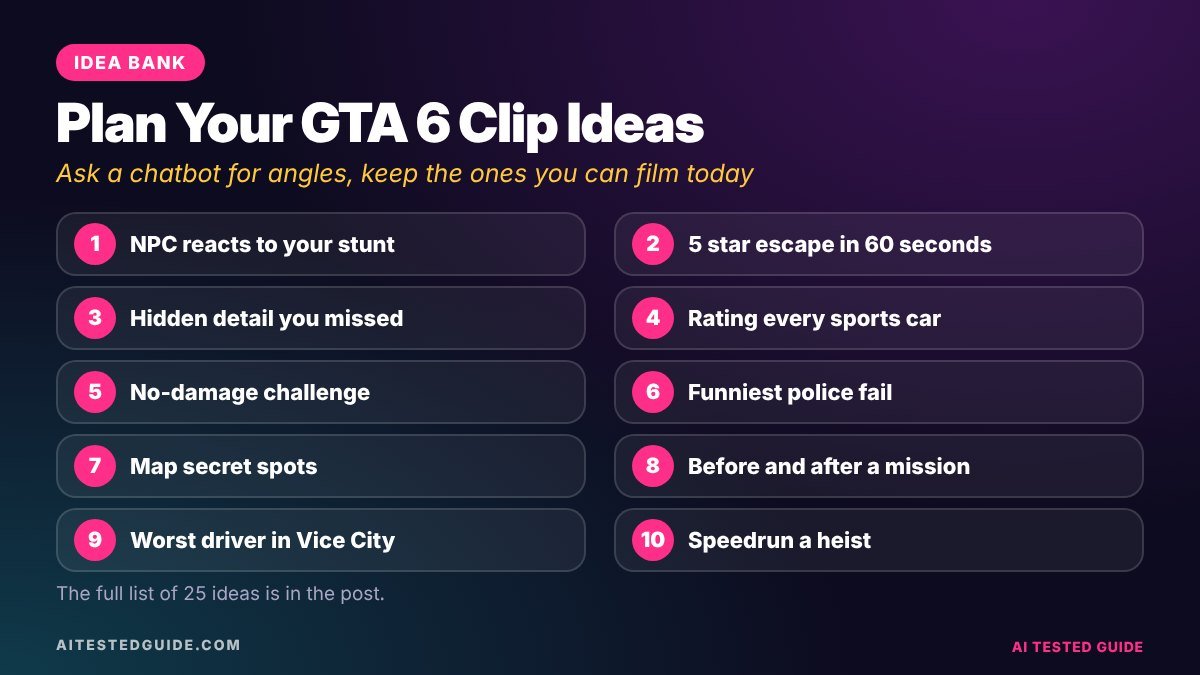
A simple weekly idea planner
| Day | Category | Example idea |
|---|---|---|
| Monday | Chaos and comedy | NPC reaction test |
| Tuesday | Details and secrets | One hidden detail |
| Wednesday | Challenges | Escape 5 stars unarmed |
| Thursday | Tips | One beginner mistake |
| Friday | Chaos and comedy | Fail compilation |
| Saturday | Series | Car rating episode |
| Sunday | Reactions | Week’s best moments recap |
Rotating categories keeps your page varied, and after a few weeks your analytics will show which days and types deserve more slots.
Clip ideas to avoid
- Pre-release leaks. Rockstar’s policy says leaked footage will be taken down, however it was obtained.
- Isolated cutscenes. Posting story cinematics on their own can be removed.
- Cheats and glitch-for-money tutorials in online modes, which Rockstar’s policy also targets.
- Reposting other creators’ clips. Make your own version of a trend instead.
Why these categories work
Chaos and comedy works because you don’t need to know the game to enjoy it. A crash, a panicked crowd or a ridiculous police response is funny on its own, so these clips get shared outside gaming circles, which is where big view counts come from.
Details and secrets work because they reward curiosity. Players save them to check later and send them to friends who play. They tend to earn fewer views than chaos but more followers per view.
Challenges and series work because they create a reason to come back. “Day 4 of…” tells a viewer there’s more coming, which turns a single view into a follow.
Tips and guides work because they’re useful. They’re often found through search, especially on YouTube, and keep getting views long after posting.
Reactions and trends work because they bring personality. They’re how followers get to know you, which matters once you want to monetise or work with brands.
Series ideas for your first month
- Detail of the Day: one small realistic touch per day for 30 days.
- Car Rating: rate every vehicle you find, with a running leaderboard.
- Five-Star Friday: a weekly escape challenge with a new twist each time.
- AI Plans My Day: let a chatbot plan your session, then see how it goes.
- Then vs Now: one location per episode, compared with older games using your own captures.
Turn one idea into three clips
Take idea 13, escaping five stars with no weapons. One attempt can become three posts: the full escape sped up, the single closest call at normal speed, and the funniest police reaction from the background. Same session, three hooks, three chances to reach new people. An AI clipper usually catches the main moment; spotting the other two is where your eye matters.
A hook library you can reuse
Hooks are half of every idea above. Keep a list of formats that work and swap in the specifics:
| Hook format | GTA 6 example |
|---|---|
| “Nobody talks about…” | “Nobody talks about GTA 6’s traffic” |
| “I tried…” | “I tried to live like a normal citizen” |
| “Wait for…” | “Wait for the helicopter” |
| “Don’t do this…” | “Don’t do this in your first hour” |
| “Rating…” | “Rating every GTA 6 boat” |
| “Can you…?” | “Can you outrun police on a jet ski?” |
| “POV:” | “POV: your first Vice City sunset” |
Ask a chatbot for twenty variations of whichever format your audience likes best, and test two or three each week.
Track which ideas actually work
Keep a simple sheet with each clip’s idea number, category, hook, length and results after 48 hours. After a month you’ll know which of these 25 ideas fit your page, which hooks your audience responds to, and which categories to post more of. That sheet turns a list of ideas into a strategy that’s specific to you.
Combine ideas for stronger clips
Some of the best clips mix two categories. A challenge plus chaos, like escaping five stars in the slowest car you can find, gives you a clear goal and a funny payoff. A detail plus a tip, like a hidden spot that’s also a great place to lose the police, is both interesting and useful. A reaction plus a series, like rating every Vice City sunset, gives viewers personality and a reason to return. When an idea feels flat, try pairing it with a second category before dropping it. Ask an AI chatbot to suggest ten combinations from the list above, then pick the two that feel most like your page.
What to do when ideas dry up
Every creator hits a wall. When it happens, go back to your comments: viewers tell you what they want to see, often directly. Rewatch your top five clips and ask what made them work, then make a new version with a different location, car or character. Play without recording for an hour, just exploring, and note anything that surprises you. And check what’s new in the game after each update, because patches and new content bring fresh ideas for everyone at once. Ideas are rarely the real problem. Usually it’s that you need a break or a new angle on what already works.
FAQ
Which GTA 6 clip ideas get the most views?
Chaos and comedy clips usually travel furthest because non-players enjoy them too. Tips build loyal followers who stay.
How long should GTA 6 clips be?
Most work best at 10 to 30 seconds. Tips and challenges can run longer if every second earns its place.
Can I post story clips?
Be careful. Rockstar’s policy removes isolated cutscenes and big story spoilers, so stick to gameplay and mark any spoilers clearly.
How do I come up with new clip ideas?
Ask an AI chatbot for variations of your best-performing clips, read your comments for requests, and watch what’s trending in GTA 6 each week.
Do I need commentary for these ideas?
No, but commentary helps. Many of these ideas work with captions alone.
How many clip ideas should I post per day?
During launch season, 2 to 5 clips a day across a mix of categories is a strong pace.
Can I use these clip ideas for other games?
Most of the formats, like challenges, ratings and details series, work for any open-world game.
Should I stick to one category?
Start with a mix, then lean into the one or two categories your audience responds to most.
How do I avoid copying other GTA 6 creators?
Use the same formats, but film your own gameplay, add your own twist and hook, and never repost someone else’s clip.
Keep reading
This post is part of our GTA 6 creator series. Start with the hub guide, How to Make GTA 6 Content with AI: The Complete Creator Guide, then go deeper:
- How to Turn GTA 6 Gameplay into Viral TikToks and Shorts with AI
- How to Auto-Clip GTA 6 Highlights with AI
- How to Grow a GTA 6 Clip Page from Zero
- How to Make GTA 6 YouTube Shorts in 10 Minutes with AI
- Does GTA 6 Use AI? What Rockstar Actually Built
Related tested reviews on AI Tested Guide:
Sources and official links
Turn these ideas into clips automatically
Play the idea, record it, and let Clipping Factory by Clipping Joint find and cut the best moments into vertical clips. It’s a one-time payment, and we set it up for you.